Using Amazon QuickSight for the first time
Using Amazon QuickSight for the first time
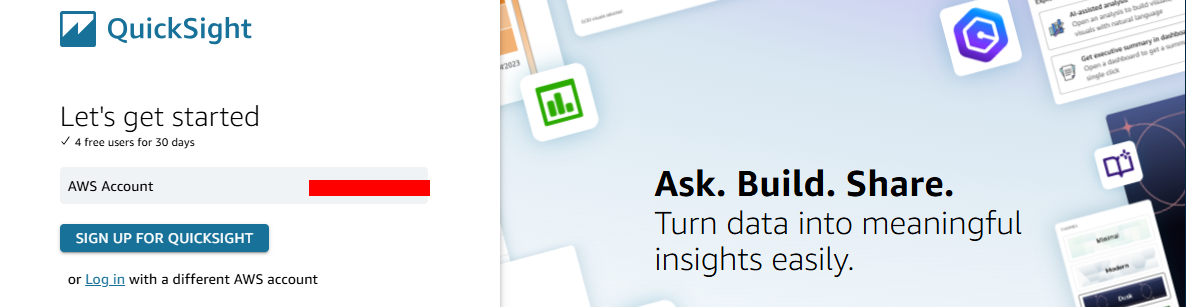
- Go to QuickSight console, click SIGN UP FOR QUICKSIGHT.
-
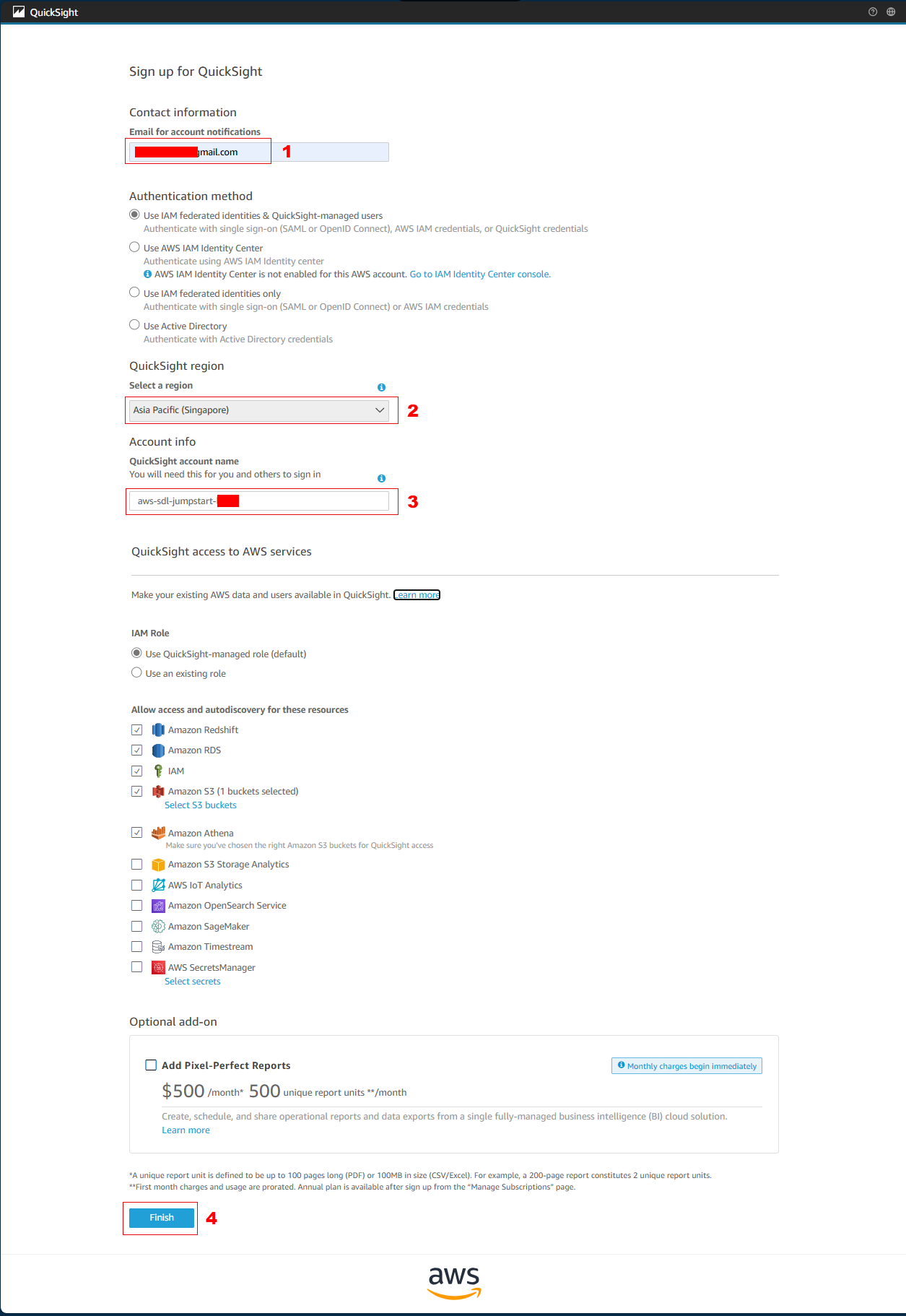
On the Create your QuickSight account page, specify the following:
- Contact information Email for account notifications –
[your email address] - Select a region –
Asia Pacific (Singapore) - QuickSight account name –
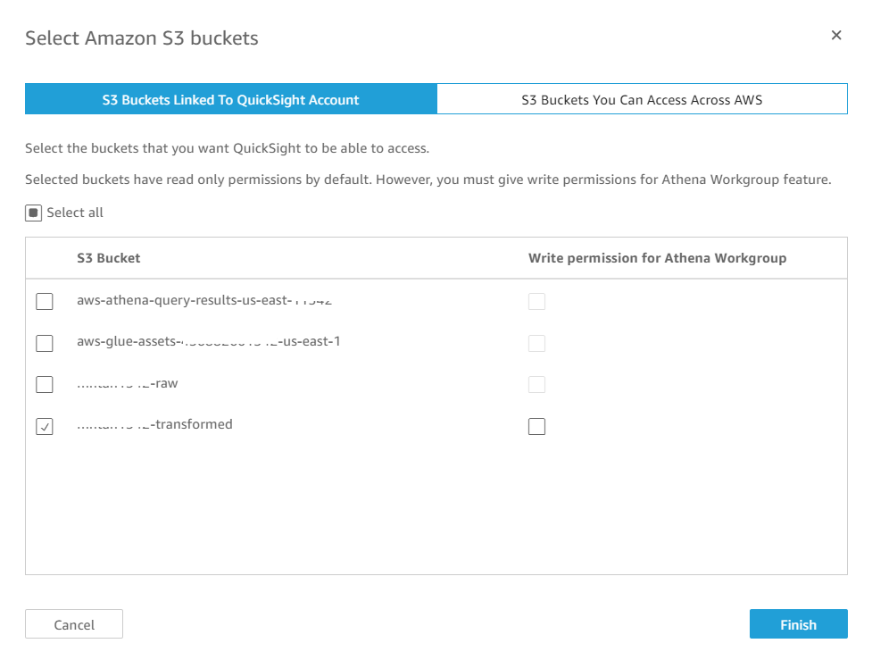
aws-sdl-jumpstart-your-[initials] - Check Amazon S3, click Select S3 buckets
- Select
[your-bucket-name]–transformed, click Finish.
- Contact information Email for account notifications –
-
On the Create your QuickSight account page, click Finish.
-
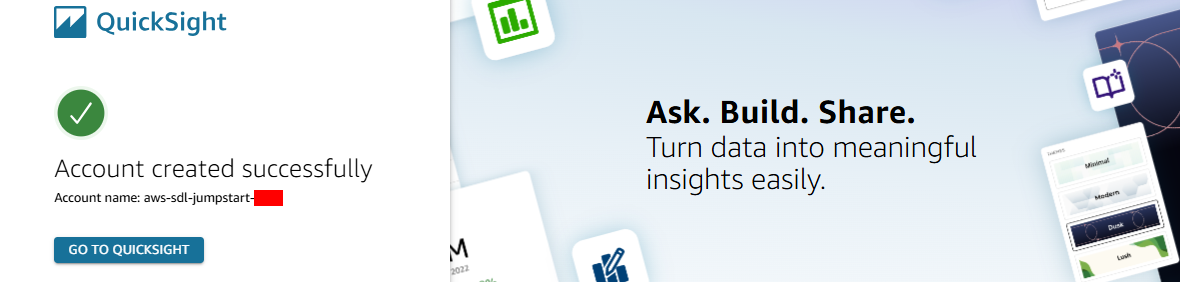
Wait for a few seconds for your QuickSight account to be created, then click GO TO QUICKSIGHT.
-
A “What’s New in Amazon Quick Sight” window will popup, click Close.